
How to Register in DUOS With Your Institutional (non-Gmail) Email Account
The DUOS platform requires a Google account: either a Gmail account, an institutional Google Apps account, or a Google Apps account that you create. If your institution uses G Suite, your account will already be a Google account and you can proceed directly to register in DUOS. If not, you can follow these steps to create a Google account that is associated with your non-Gmail, institutional email address.
Do not use account aliases. Setting up an alias connection between your non-Google account and a Google account will result in account issues and erratic behavior when using the platform. Please do not use accounts with alias connections for DUOS!
Step-by-step instructions
Creating a Google account with a non-Google email address using the steps below is the supported method of using a non-Google account with Terra.
1. Go to the Google sign-up page (https://accounts.google.com/SignUp). When prompted, fill in your name and other required information (such as your birthdate).
2. When you see the option to use your existing email, select it.
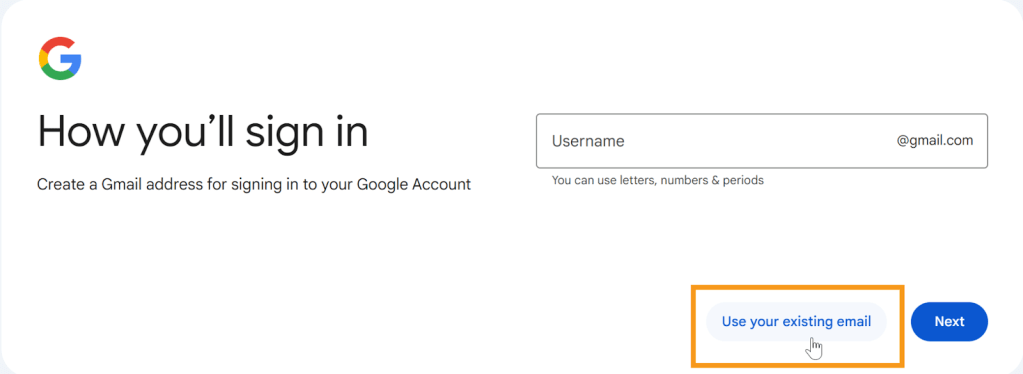
3. Enter your individual institutional email for your DUOS account in the email address box.
4. Follow the prompts to complete your Google account setup. Once you’ve set up the new account, you’ll be able to register on the DUOS homepage with that email address.
 DUOS Blog